

01
Mission Setup
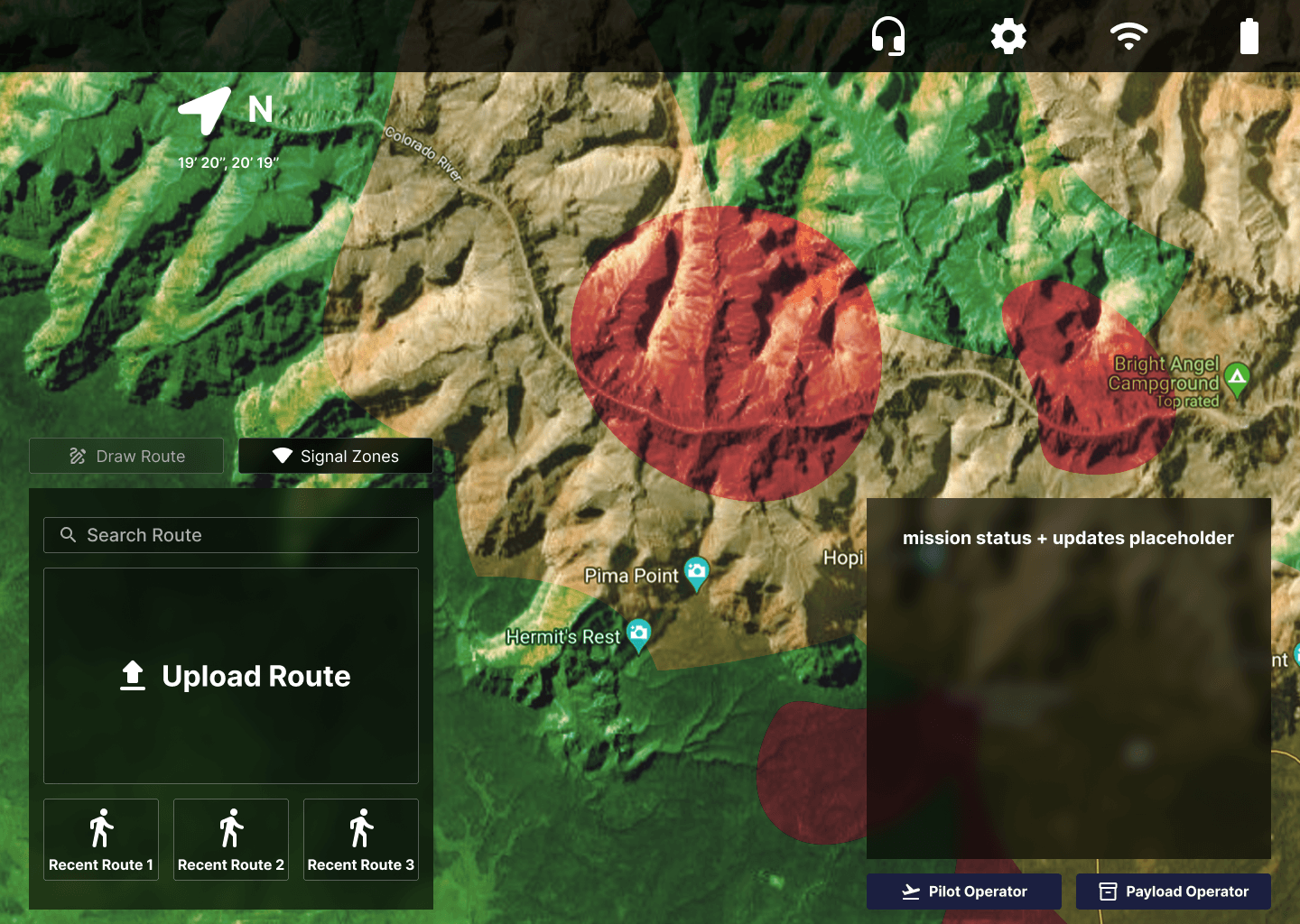
Operators prepare the UAV and define flight paths using terrain maps and weather data. Roles are assigned: Pilot, Navigator, and Payload Operator. Mission objectives, communication channels, and safety protocols are established.
02
Navigation
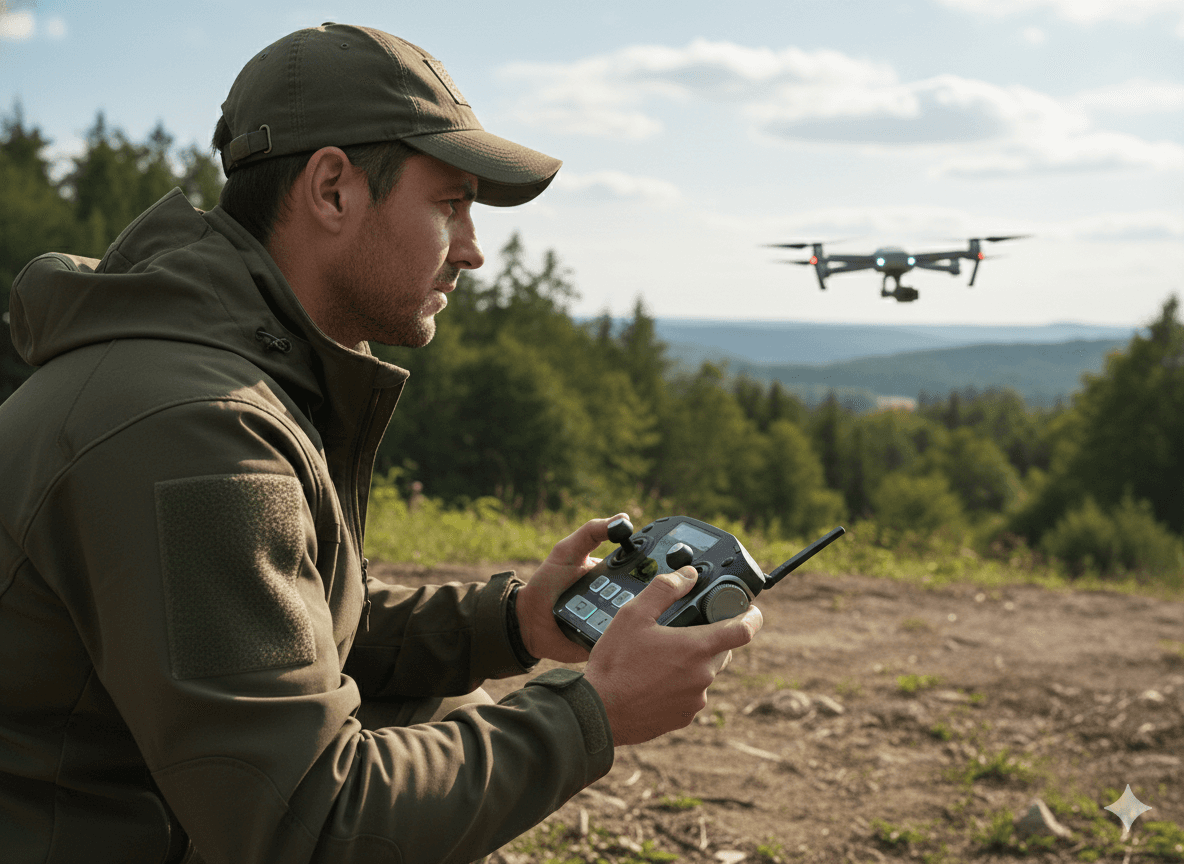
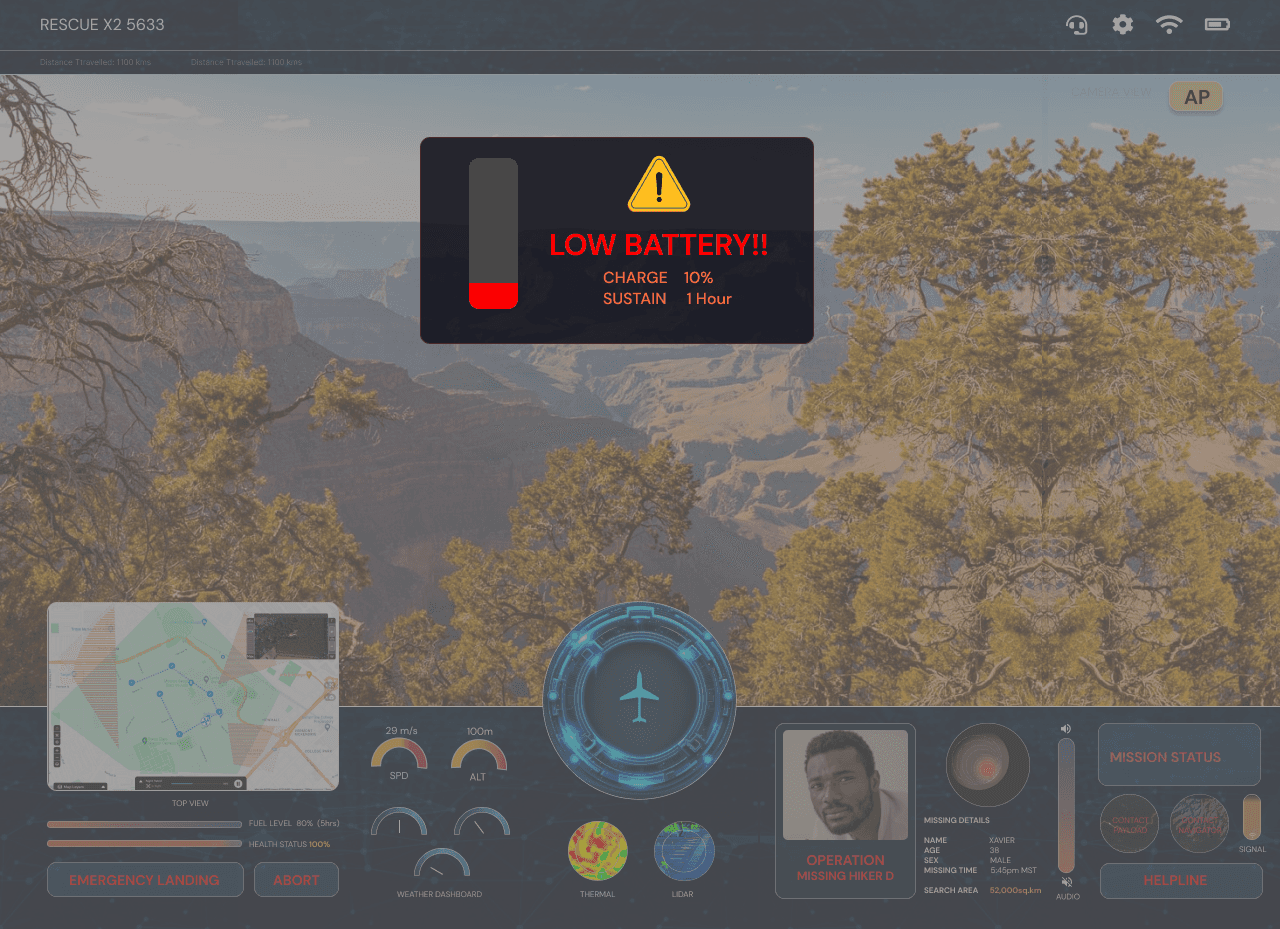
The drone lifts off smoothly, following pre-planned routes. The Navigator monitors GPS coordinates and signal strength, ensuring the UAV stays on course across challenging terrain.
03
Search & Detection
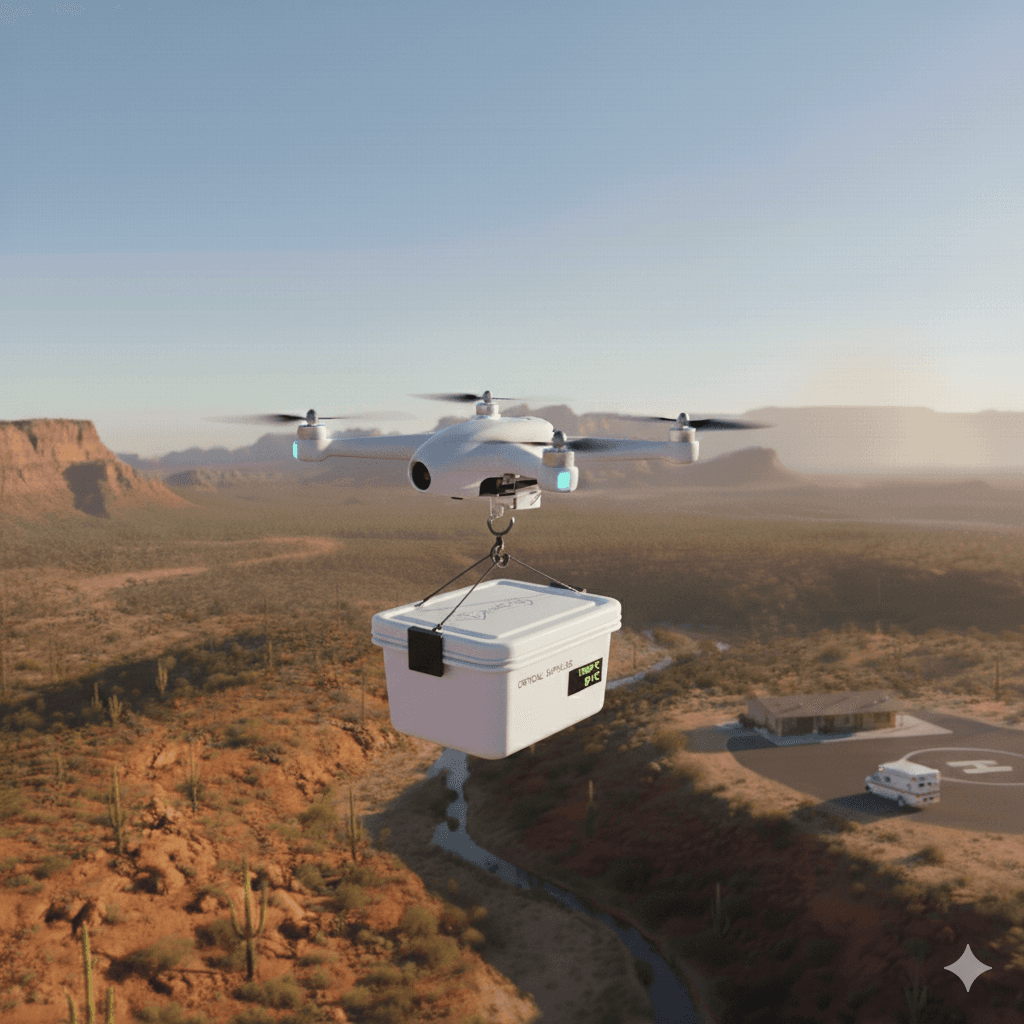
The UAV scans the environment using cameras and thermal sensors. Potential targets are highlighted, and operators verify hiker locations with real-time maps and mission alerts.
04
Supply Delivery
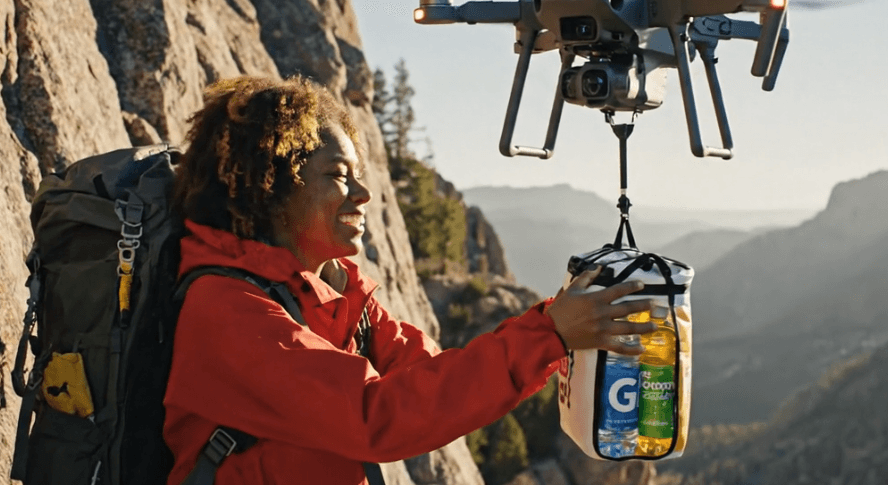
Once a hiker is located, the Payload Operator releases water or emergency supplies. Operators communicate with the hiker to provide guidance and reassurance while monitoring UAV safety.
05
Mission Completion
The UAV returns to base safely. Operators review mission performance, log outcomes, and prepare for the next deployment. Insights are recorded for improving future rescue missions.
Operator & Design Details 01
Path Optimization
Operator & Design Details
Geo-Spatial Data
Path Optimization
Situational Awareness
Operator & Design Details 02
Precision Deployment
Aerial Assistance
Rescue Support
Operator & Design Details 03
CONTROLLER
CONTROLS
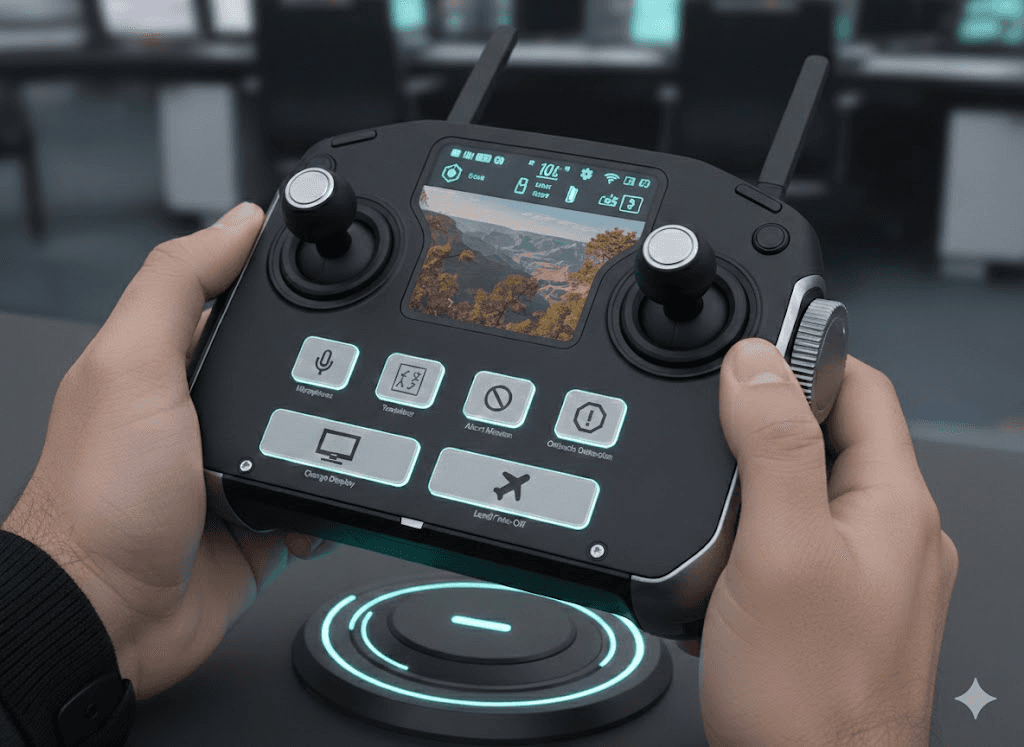
Human Computer Logistics
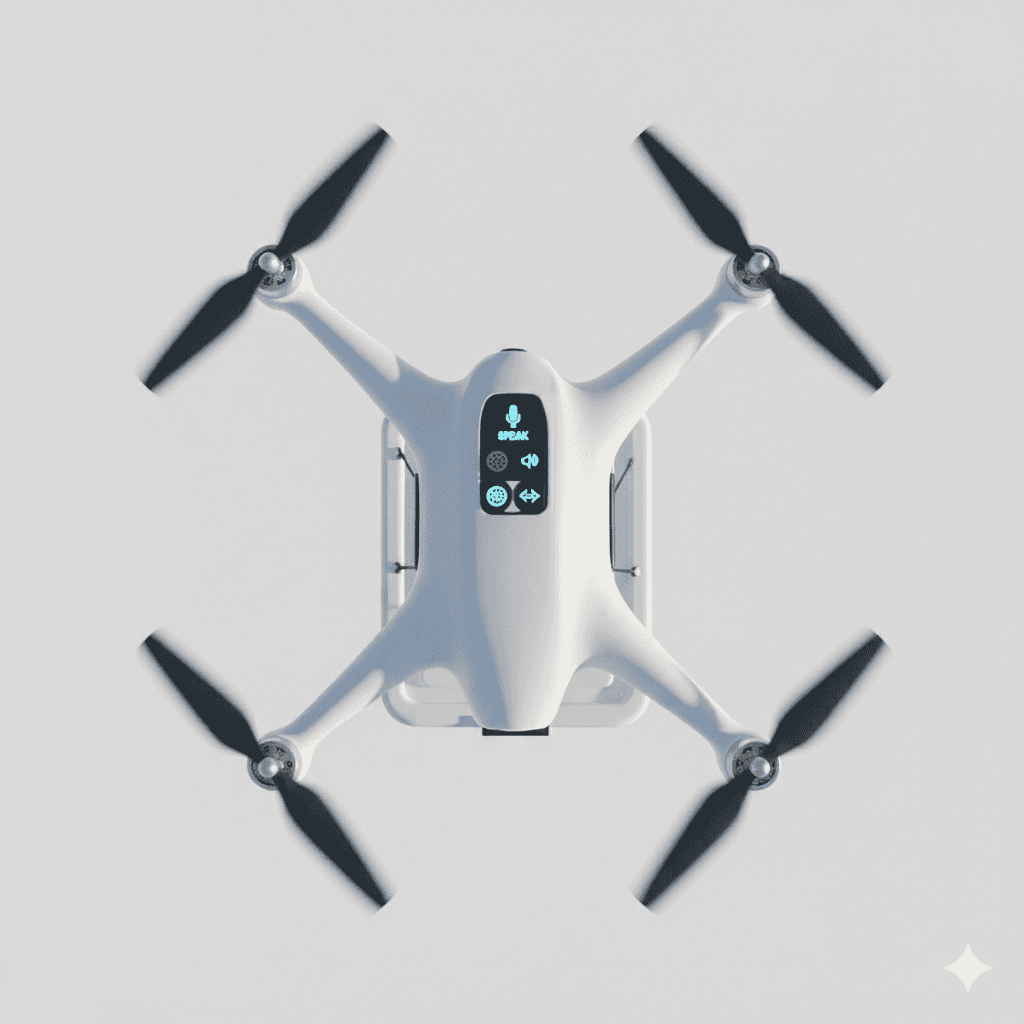

Hiker Interaction
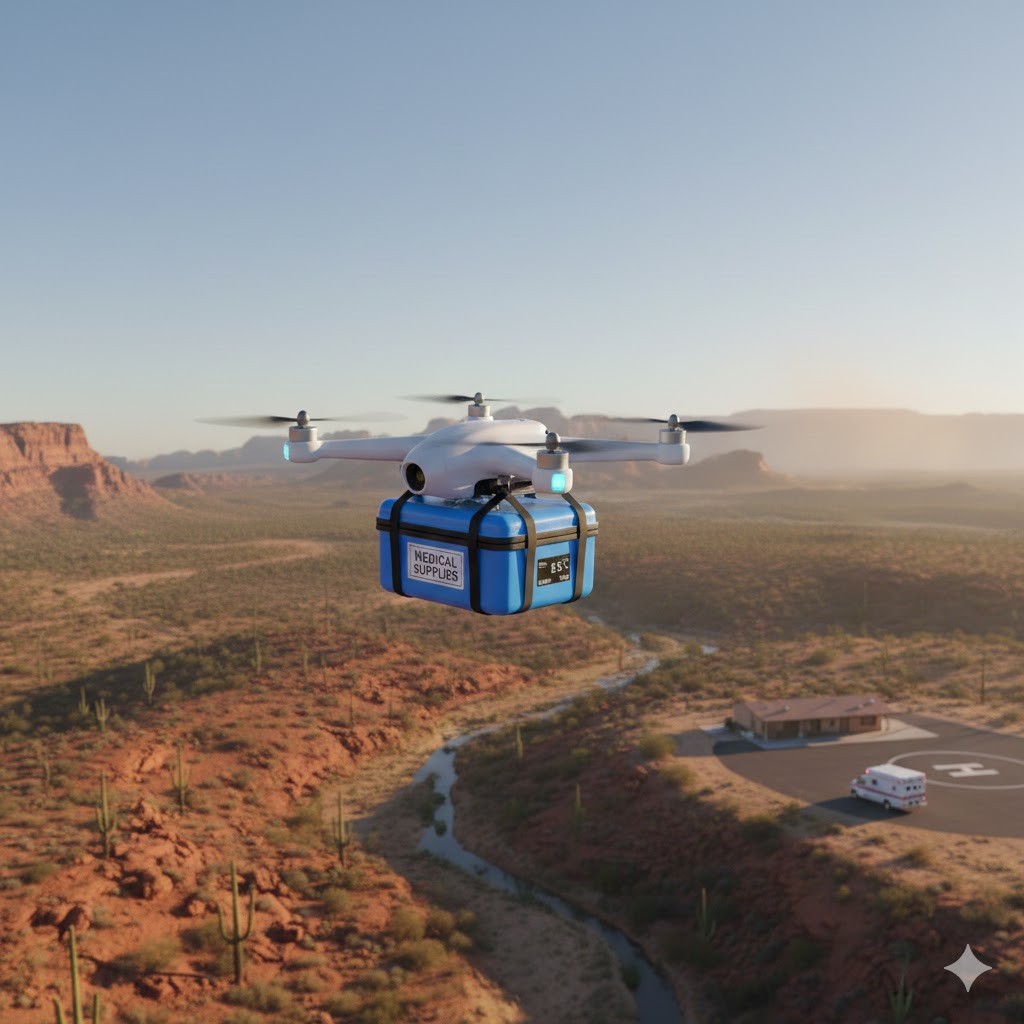
Future Scope
Future iterations of this system could include real-world testing with rescue teams, advanced AI-based target detection, haptic feedback for spatial alerts, and support for multi-UAV coordination. These enhancements would further improve situational awareness, responsiveness, and mission efficiency in complex rescue scenarios.
Key Learnings